Understand The Two Parts Of The Workflow
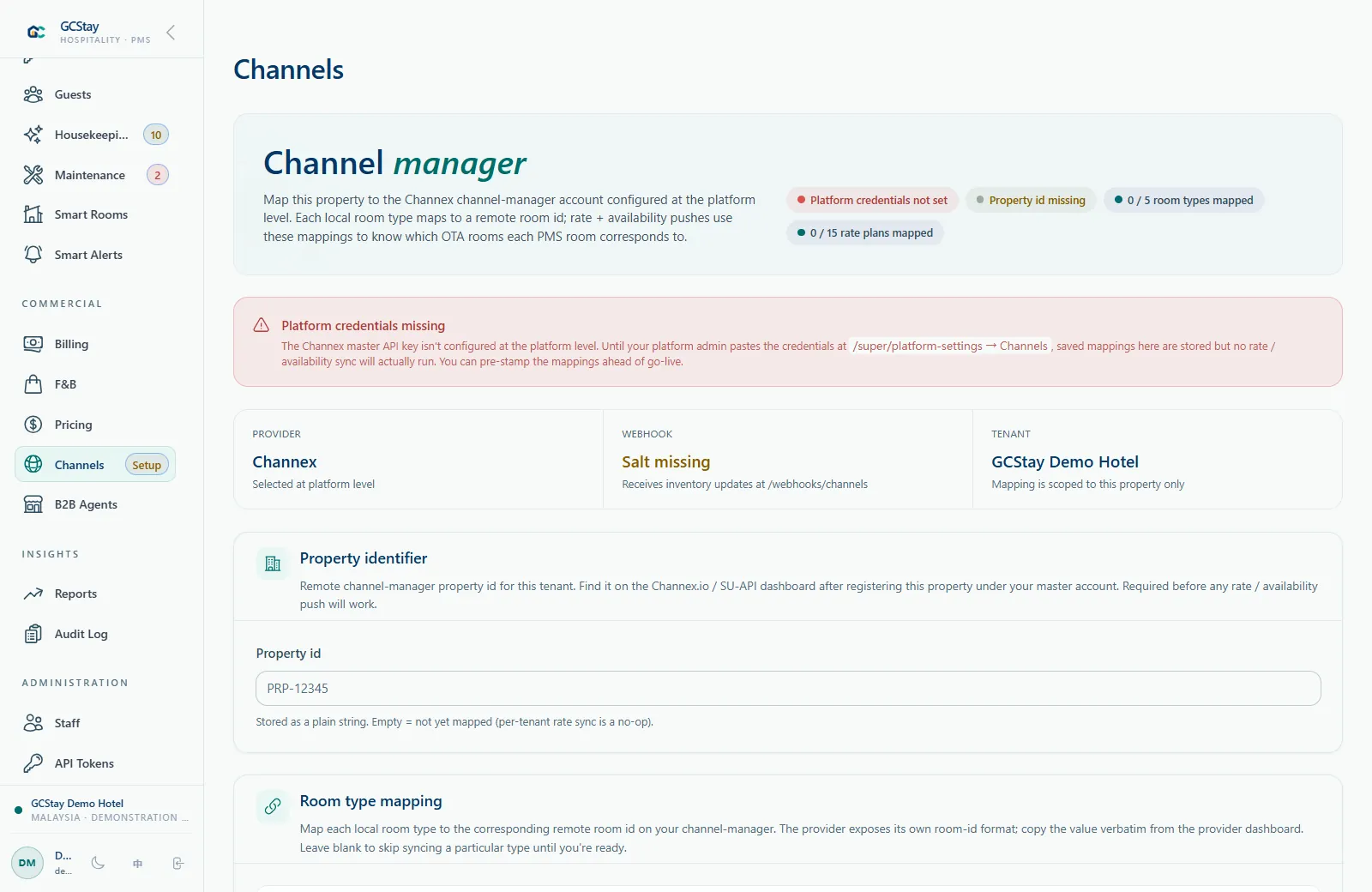
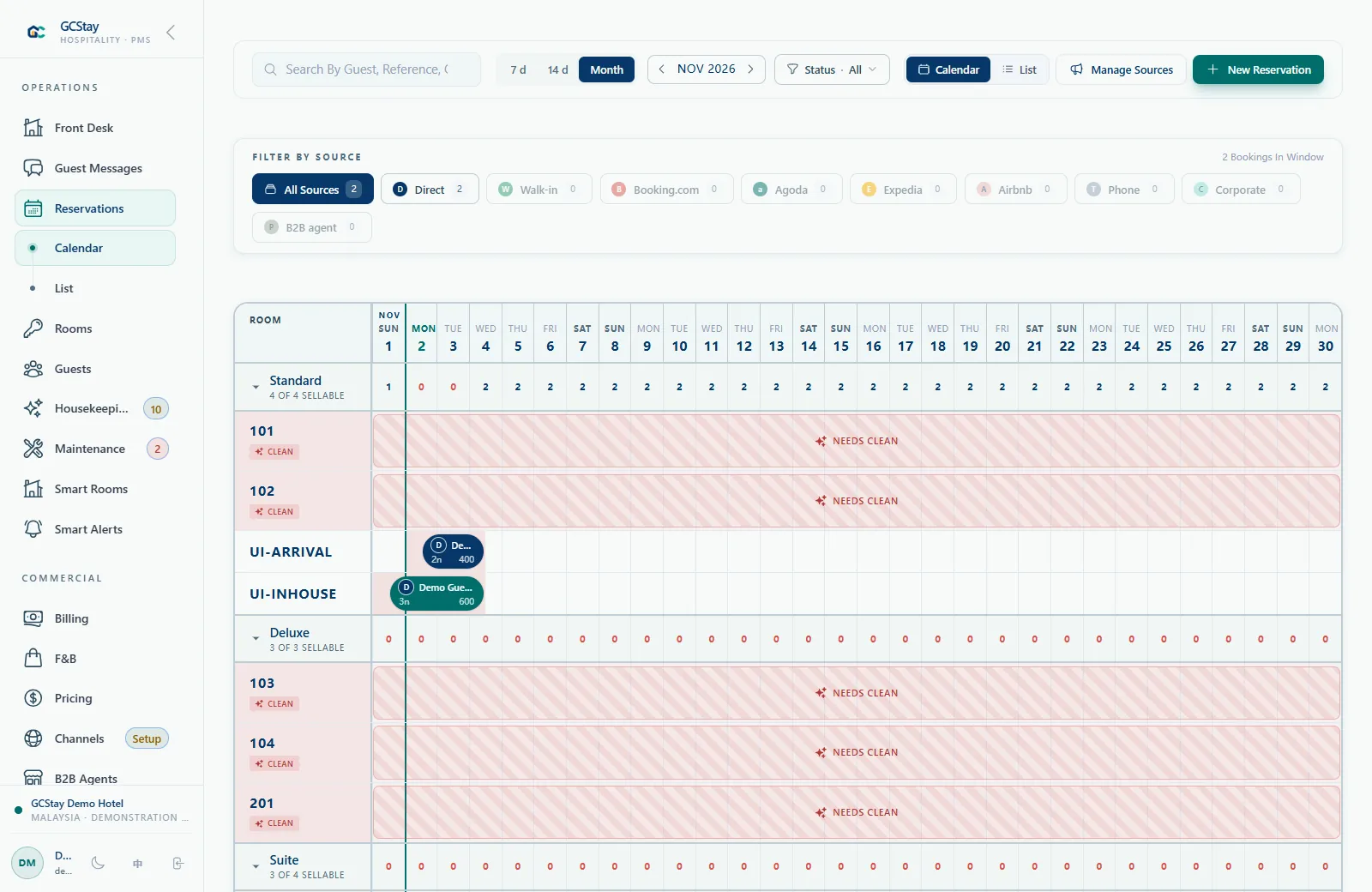
The hotel PMS holds the property's operational records. A hotel channel manager connects supported external booking channels. GCStay.my's optional Channex integration includes channel booking updates and outbound rate and availability changes, subject to configuration. The exact information exchanged depends on the enabled integration and the requirements of the connected channels.
- Use the PMS for reservations, guest stays and room operations.
- Review the channels you currently sell through.
- Discuss how the Channex module fits your booking workflow.
- Confirm which information is supported by each planned connection.
Map The Property Before Connecting
Channel setup depends on the details. Your PMS room types and rate structure need to be reviewed alongside the corresponding channel records, with clear responsibility for configuration and testing.
- Prepare a list of the booking channels you want to connect.
- Review room-type and rate-plan mapping.
- Confirm channel accounts and any third-party requirements.
- Agree on testing and exception handling before going live.
Test A Connection With A Controlled Example
Consider a fictional hotel planning to connect two booking channels. Before using the connection for daily selling, its team should review a small test covering a mapped room type, a rate change and a sample booking update. Compare the expected information with the records at both ends of the connection. This is an example of a setup check, not a claim that every channel supports the same fields or that synchronisation is guaranteed.
- Choose a mapped room type and rate plan for the test.
- Agree on the supported rate and availability changes to verify.
- Review a sample channel booking update in the configured workflow.
- Record the expected result, observed result and person responsible for follow-up.
Keep A Routine For Integration Exceptions
Connecting booking sources still requires an operational owner. Your team needs to know who reviews channel account changes, mapping questions or a booking that needs attention. Agree on that routine when setting up the hotel channel manager. The practical goal is to give staff a clear response when information differs, with the property and integration provider each understanding their part in the investigation.
- Name the person who owns the property-side channel setup.
- Review mapping when room types or rate plans change.
- Agree how staff will compare a booking with its originating channel record.
- Confirm the escalation process and the information needed to investigate an issue.
Make The Demo Specific To Your Channels
Bring your actual distribution requirements to the conversation. GC Tech can review the optional module with you and confirm what needs to be enabled, configured or supplied by a third party.
- Explain your current reservation sources and manual steps.
- Ask which channels can be supported for your property.
- Confirm module availability, third-party charges and onboarding scope.
- Review how your team will monitor and follow up on integration issues.